Send a message, get the news and be heard, even when the internet is cut: with small radios, people-run networks and bridges that slip past the filter. All of it in plain words, with no account and no phone number.
Every dot is a device. A message hops from one to the next until it arrives.
01
Which way today?
You can still message without internet.
A small LoRa radio such as the T-Deck Plus carries a message from one device to the next, with no SIM card and no Wi-Fi. If the receiver is off, the message waits in the Offline Inbox and arrives later.
1Have a device? Switch it on step by step and send your first message. T-Deck Plus guide
2Before you switch on any radio, read this for three minutes. The device is evidence. Before you switch on a radio
3Got this page from a USB stick or from someone? Compare the fingerprint at the bottom with one other place. How to check
Addresses for this way
No data
NomadNet node
Pages, news and this list
00000000000000000000000000000002
Get past the filter.
The onion and I2P mirrors of this site and Tor bridges look like ordinary browsing and are hard to block. Ratspeak can also reach our node over I2P.
1Open Tor Browser and type one of the mirrors below into it.
2If Tor will not connect, ask the Telegram bot for a bridge and enter it in Tor Browser's settings.
3In Ratspeak, add an I2P connection with the address below. Ratspeak guide
Install Ratspeak or Sideband, paste the address below into its connection settings, and within minutes you can message, set up an Offline Inbox and join the chat rooms.
1Install Ratspeak and connect to the node with this address. Ratspeak guide
2Write down the fingerprint at the bottom of this page. On the day of a shutdown it is the only way to tell a real address from a fake one. Why it matters
3If you want to be ready for a bad day, buy a small radio and try it now. What to buy
Addresses for this way
Up
Reticulum (TCP)
Settings › TCP connection: host and port
rns.irantalk.com:4242
No data
Offline Inbox (LXMF propagation node)
Offline Inbox › Manual
00000000000000000000000000000001
02
What can you do?
A directory of things you can do with mesh networks and the other ways in. Each card says when it works and where to start.
No internetWith a radio
Message family with no internet
A LoRa radio carries a message from device to device for kilometres, with no SIM card and no Wi-Fi. A phone plus a small radio is enough.
Needs a LoRa radio; the network itself works with no internet.
Coming
Not in the signed list yet. When it is published, this changes too.
03
The apps that open the way
Every path on this page has an app. These are the ones our guides are written for: free, open source, and none of them asks for a phone number or an email.
Reticulum · LXMF
Ratspeak
Android · Computer
Messaging that works without the internet, with an offline inbox.
Send over radio or over the internet; if the other person is off, the message waits on our node until they are back. The Farsi chat rooms live here too.
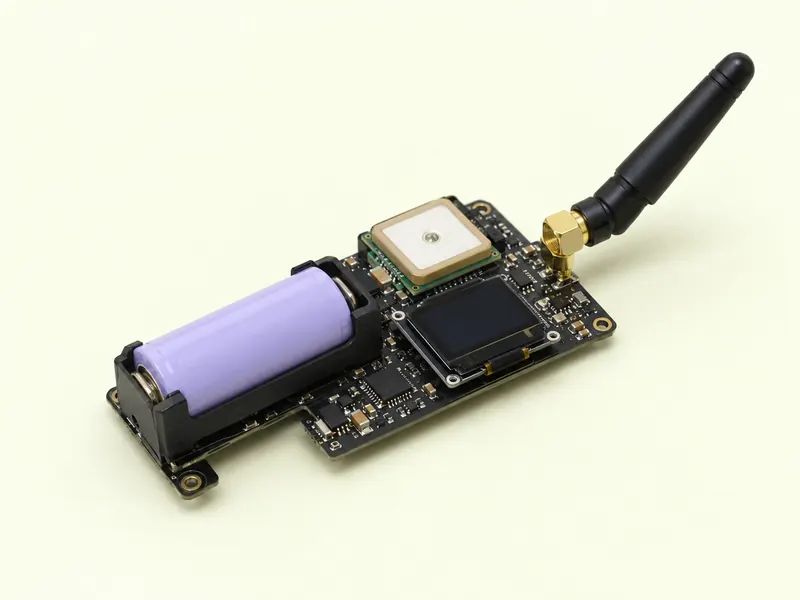
From a few-dollar radio next to your phone to a gateway that joins a neighbourhood to the world. We sell nothing; we say what to buy and how to set it up.
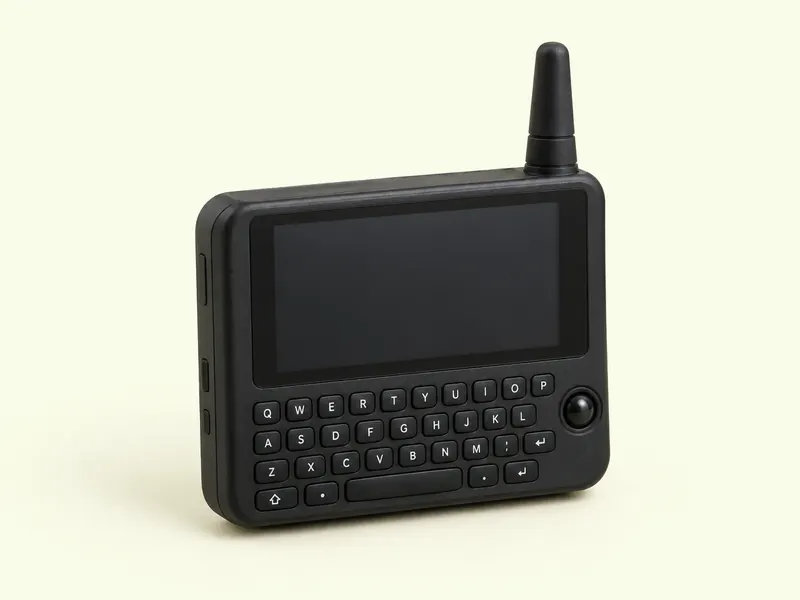
HandheldSample render
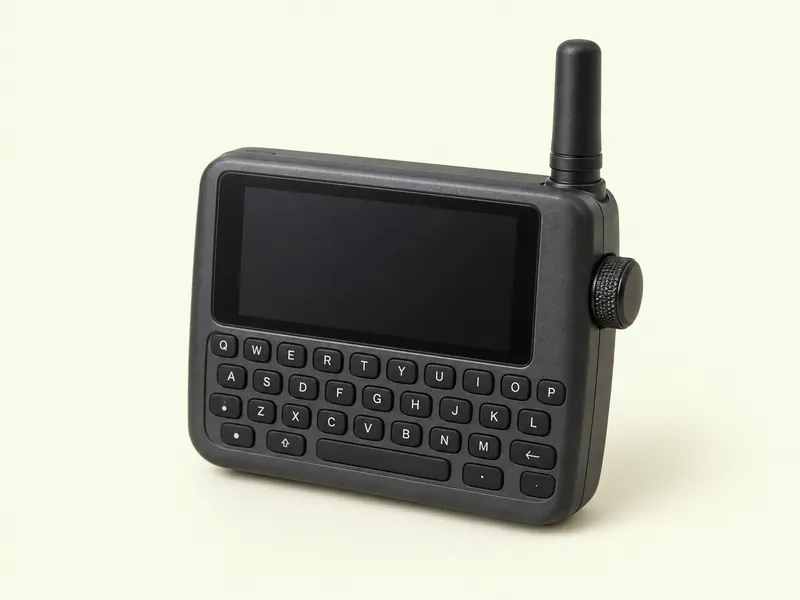
LilyGO T-Deck Plus
LoRa · GPS · keyboard · touch
A whole messenger in your pocket, no phone needed.
Touchscreen, a small keyboard, GPS and a LoRa radio in one device. With Ratspeak Handheld it is a standalone Reticulum node; with Meshtastic, a neighbourhood mesh node.
Android is enough. Install Ratspeak or Sideband; message without the internet through a companion radio, and with the internet, type in these addresses.
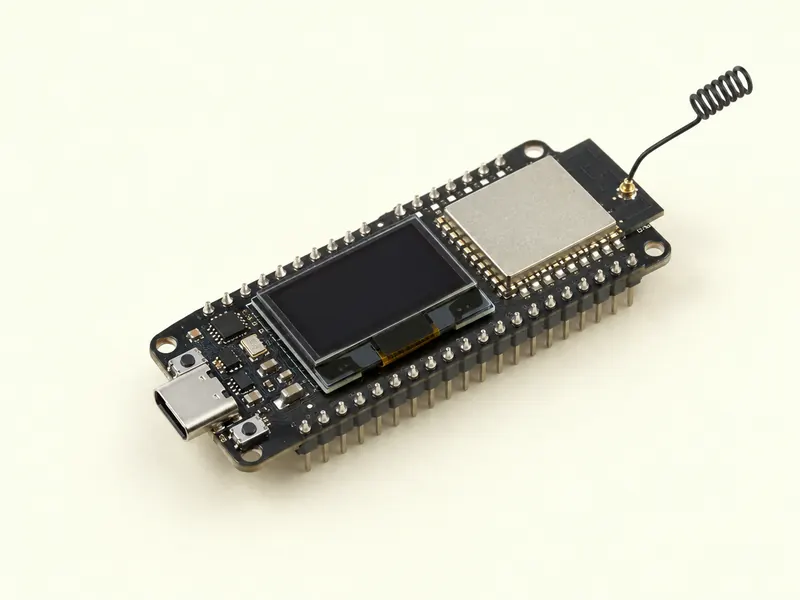
The pictures are rendered samples, not the makers' photos. The exact model, and what to look for in a market, is in each device guide.
05
Get help from an AI
Any AI you already have can be your guide. Copy a prompt and paste it into any chat app: set up, troubleshoot, understand, with rules that stop it inventing an address.
Green: ask any AI
Any AI, including reseller bots: the content is public.
Amber: ask with care
An official app over a VPN, or a local model. Not a reseller bot: a middleman sees everything.
Red: never to a cloud AI
A local model with the chat deleted afterwards, or a trusted person. Never a cloud AI.
Amber: ask with careChat, pasting your output15 min
Audit my config
The differences from the reference config that matter, each with the exact new line.
Every prompt starts with the fixed rules and this page's signed list; fill in the parts in [brackets] with your own situation. The colour says which AI to ask and what to strip out. Every prompt in full, the rules and the context packs
A LoRa device is physical evidence. Decide who will know you have it before you buy one.
2
A radio transmitter can be located. Transmit little, announce rarely, and if you can, do not transmit from where you sleep.
3
Never put your real name in a display name or an announce. Make a separate identity for each role.
We have no accounts and keep nothing that could identify you. The exact table of what our servers keep is published, word for word, in the safety guide.
07
Common questions
Short answers to what people ask most.
What is IranTalk?
A signed list of every way in and out of Iran, ranked by how much internet each one needs, with plain-language guides to use them. We are not the road; we are the map of the roads.
How do I send a message when the internet is completely off?
With a small LoRa radio such as the T-Deck Plus, or a phone plus an even smaller radio. The message hops from device to device until it reaches its destination or a connected gateway, and if the receiver is off it waits in the Offline Inbox. The device guide is step by step.
What should I buy?
A LilyGO T-Deck Plus (or T-Pager) with a better antenna than the one in the box; or, for the cheapest way in, a small board such as the Heltec V3 that connects to a phone over Bluetooth. Match the frequency with the group you want to talk to.
Is it safe?
Honestly: a radio gives away your location and the device itself is evidence. Reticulum encrypts what you say, not the fact that a device is transmitting. That is why you read the safety guide before anything else.
Do I need an account or a phone number?
No. We never ask for an account, a phone number or an email, and we keep nothing that links you to a device or a message.
How do I know the addresses are real and not fake?
Every address is in one signed file, and our key's fingerprint is repeated at the bottom of this page, in the Telegram bot and on the NomadNet node. If the fingerprint differs, stop.
What is the difference between Ratspeak and Sideband?
Both run on Reticulum and work with our node. Ratspeak has chat rooms and a simpler Offline Inbox setup; Sideband is older and available on more devices. Whichever you have works.
Can I ask an AI for help?
Yes, with three rules: it takes addresses only from the signed list, never from memory; it invents no command; and it does not ask where you are. Ready prompts with these rules are in the guides under "Get help from an AI", with what never to tell a cloud AI. With a local model and the offline pack, it works without internet too.
What if irantalk.com is blocked?
This same page is on the onion and I2P mirrors, on the NomadNet node inside the mesh itself, and in the offline pack. Write down the mirror addresses from this page before you need them.